Get started
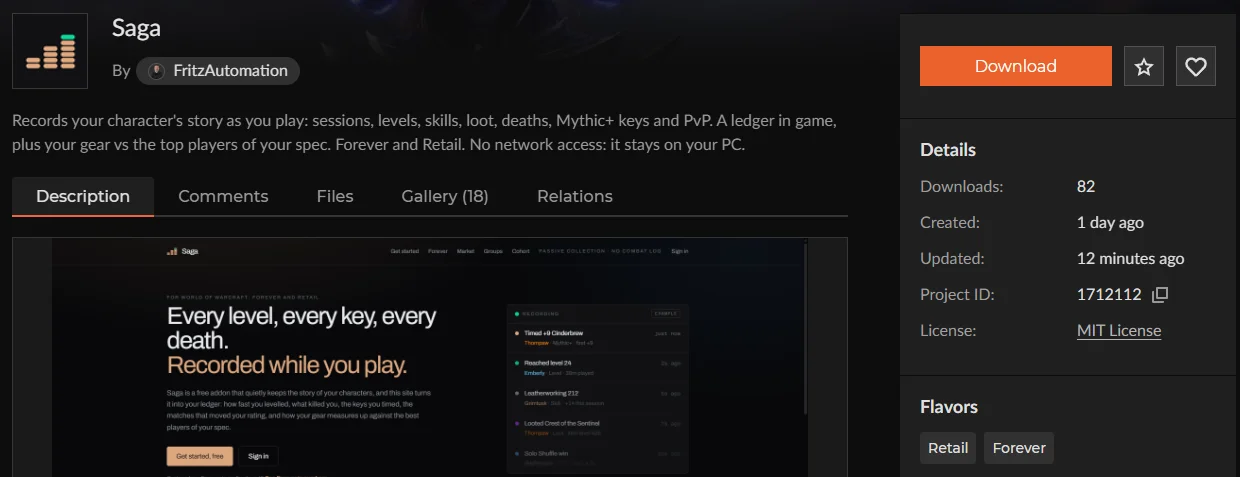
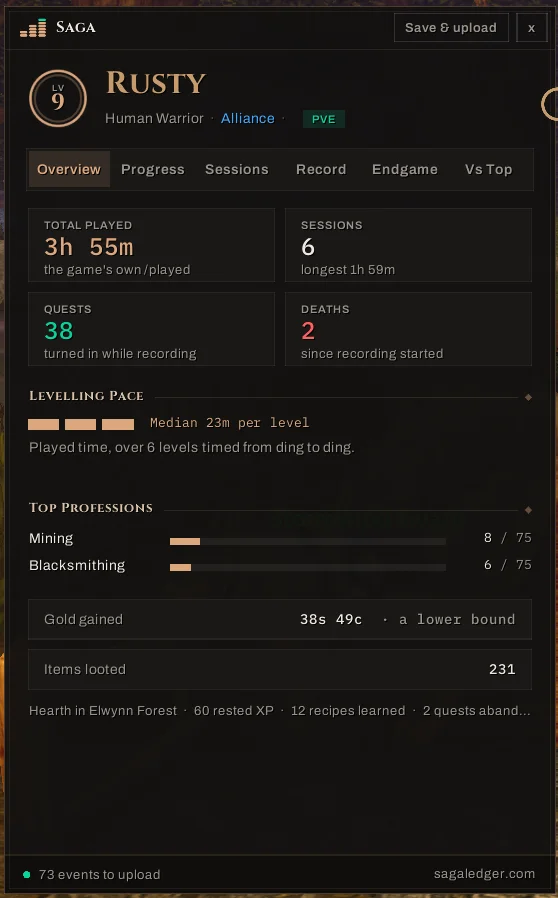
Two addons record your own character's journey as you play and show it to you in game. The free uploader adds Vs Top in game (Retail), your whole history across characters, friends' boards and Discord posts — and puts your ledger here, on the web. About five minutes, once.
Step 1: Install the addons
Saga records; Saga Companion shows it to you in game. They come together in one download.
Installed it from CurseForge or WowUp already? This step is done: go to step 2. The addon itself has no network access — the uploader, in step 2, is what connects to this site.
Unzip it into your game's AddOns folder: World of Warcraft\_classic_beta_\Interface\AddOns for Forever, World of Warcraft\_retail_\Interface\AddOns for Retail, or both, so you have AddOns\Saga and AddOns\SagaCompanion. The same download works in either game. Using WowUp? Choose Get Addons → Install from URL and paste https://github.com/saga-addon/saga instead.
In game: /saga ledger opens your ledger, and the minimap button does the same.
Step 2: Connect the uploader
Download and run it. A small window opens: choose Connect with Battle.net, sign in in the browser tab it opens, and approve the code it shows. That is all: nothing to copy or paste. From then on it runs as an icon by the clock and uploads by itself every time you log out, starting with Windows unless you untick that box.
 SagaUploader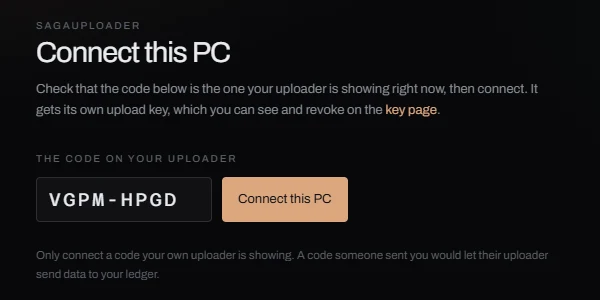
It is not code-signed, so the first time you run it Windows says “Windows protected your PC” and names no publisher; choose More info, then Run anyway, and see Help for the hash you can check. It does not update itself: when a newer version is out, its menu offers Update to that version and opens the download page.
Rather paste a key? Issue one in Settings and paste it into the same window. Signing in gives this site your Battle.net id and BattleTag, nothing else.
Right-click the icon for Upload now, Change upload key and Quit. Windows may tuck a new icon under the ^ arrow by the clock; drag it out to keep it in sight.
Your ledger appears on the front page after your next logout; until then it shows a checklist of what has arrived. Nothing is lost before then: the addon keeps everything until it is uploaded.
Then, after you play
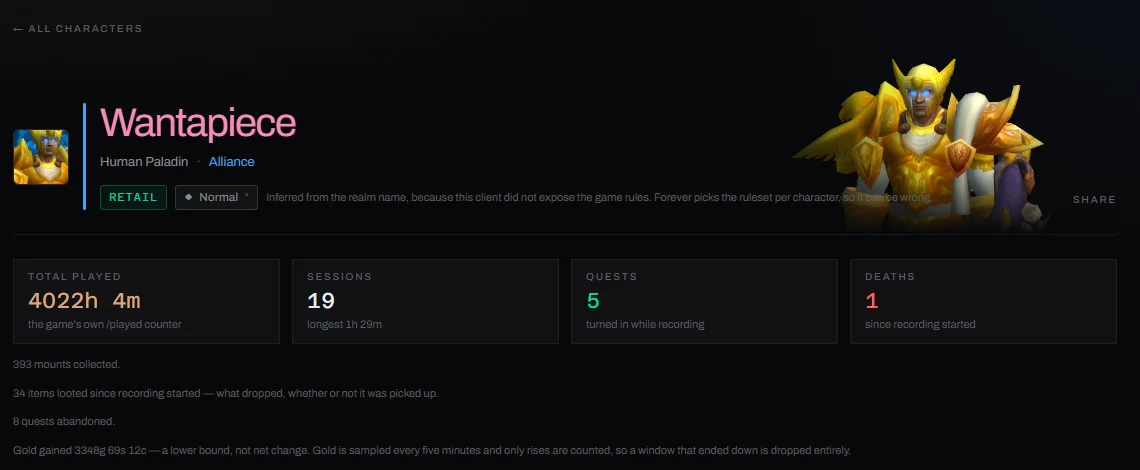
Log out, and your ledger is here: every session, level, key and match, your gear against the best players of your spec, and your week as a picture to share.
Stuck, or nothing showed up? Help has short answers. What is recorded and what never is: Privacy. All downloads come from github.com/saga-addon/saga.